
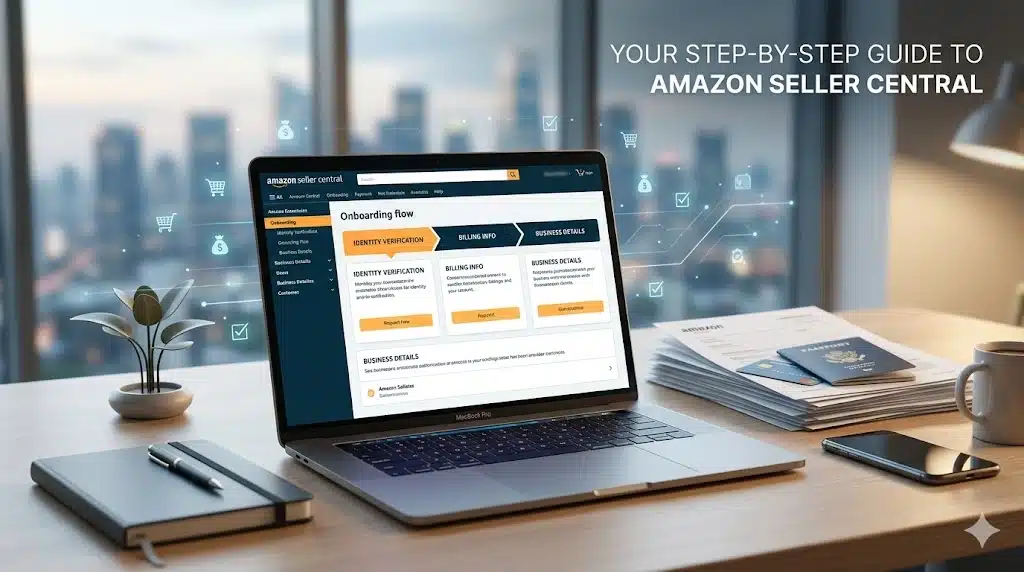
Starting an e-commerce business requires a clean configuration from day one. Navigating the Amazon Seller account onboarding process successfully means satisfying a highly strict identity verification algorithm. Missteps can lead to unexpected account flags or verification delays.
This technical guide details the precise Amazon selling requirements, clarifies the individual vs. professional seller plan dilemma, and walks you through the step-by-step account creation framework.
1. Choosing Your Tier: Individual vs. Professional Seller Plan
Your very first strategic choice impacts your monthly overhead and access to essential growth tools. Amazon offers two distinct selling plans tailored to different business scales.
The Individual Plan
- Cost Structure: $0.00 monthly subscription fee + a flat $0.99 fee per item sold (in addition to standard category referral fees).
- Best For: Low-volume testing (fewer than 40 units per month) or casual sellers who do not require access to advanced marketing features.
- Key Limitations: You cannot run sponsored product advertisements (Amazon PPC), access detailed inventory reporting dashboards, or qualify for the Featured Offer (Buy Box).
The Professional Plan
- Cost Structure: A flat subscription fee of $39.99 per month, regardless of how many items you sell. The per-item fee of $0.99 is completely waived.
- Best For: Serious brands, wholesale operations, or private label sellers aiming to move more than 40 products monthly.
- Key Advantages: Unlocks restricted categories, allows bulk inventory uploads via flat files, grants full access to advertising consoles, and makes you eligible to win the Buy Box, which drives greater conversion value.
2. Essential Pre-Registration Document Checklist
Amazon’s security protocol uses automated optical character recognition (OCR) systems to match details. To prevent immediate verification flags, assemble these exact items before starting:
- Legal Identity Documentation: A high-resolution, unexpired passport or government-issued photo driver’s license. The legal name must precisely match your registration input.
- Tax Information & Legal Entity Structure:
- For US-based accounts: A valid Social Security Number (SSN) or Employer Identification Number (EIN).
- For India-based accounts: A valid GSTIN (Goods and Services Tax Identification Number) and an associated PAN card are mandatory to sell taxable goods.
- Financial Transaction Credentials:
- An internationally chargeable credit card with a valid billing address to handle structural fees.
- A local bank account routing structure capable of receiving direct ACH deposits every 14 days.
- Primary Source Address Proof: A recent bank statement, credit card statement, or utility bill issued within the last 90 days. The name and physical address printed on this document must be identical to the business address declared in Seller Central.
3. Step-by-Step Onboarding Architecture
Follow this precise sequence to register your business entity correctly.
1. Initialise Registration:
Phase 1.Go to the official Amazon Seller Central portal. Do not use your personal consumer shopping login to keep your business records distinct. Click “Sign up” and establish a secure, dedicated business email address.
2. Define Business Type & Location:
Phase 2. Specify your business location country and pick your exact legal structure (State-owned, Publicly Listed, Privately Owned, Charity, or Individual/Sole Proprietor). Type your exact legal company name as recorded by corporate registries.
3. Input Financial & Billing Configurations:
Phase 3.Provide your primary bank account information for automated marketplace disbursements alongside an active credit card to secure your account tier subscription.
4. Store Details & Identity Uploads:
Phase 4.Enter your public-facing store name (this can be changed later). Upload clear, colored, uncropped PDF or JPEG scans of your photo identification and financial statements. Ensure no text is cut off or blurry.
4. Post-Registration Decision: FBA vs. FBM
Once your account passes verification, you must configure your structural Amazon fulfilment options to manage physical inventory logistics.
Fulfilment by Amazon (FBA)
Under the FBA framework, you ship bulk inventory directly to Amazon’s logistics network hubs.
- Storage & Delivery: Amazon stores your products, picks, packs, and ships them to the end consumer.
- Customer Care: Amazon manages all localised tracking, returns, and customer service inquiries.
- The Prime Advantage: Your listings automatically earn the Amazon Prime Badge, significantly increasing organic click-through rates and placement advantages.
Fulfilment by Merchant (FBM)
Under the FBM structure, you retain full operational custody of your physical stock.
- Logistics Management: You or your third-party logistics provider (3PL) handles storage, packaging, and carrier dispatching.
- Cost Control: Highly effective for oversized, heavy, or low-margin items where Amazon’s warehouse storage fees eat into net profitability.
5. Rich Snippet Optimised FAQ Section
Is a registered business license mandatory to start selling on Amazon?
No. You can register as an “Individual” or “Sole Proprietor” using your legal name and personal tax details (such as an SSN or local PAN). However, as revenue scales, forming an LLC or private limited company provides liability protection and matches corporate brand identities.
Why was my Amazon Seller Account immediately suspended upon creation?
The single most common cause is a documentation address or name mismatch. If the name or billing address on your uploaded credit card statement varies even slightly from the text typed into the registration form, the automated security filter flags it as potential fraud. Always review character-by-character matches before submitting.
Can I switch my selling plan tier after registration?
Yes. You can switch between Individual and Professional plans at any time via your account settings panel inside Seller Central. The adjustments will take effect at the start of your next billing cycle.
What are Amazon referral fees?
A referral fee is a transactional commission Amazon charges for every item sold on its platform. It is calculated as a flat percentage of the total sales price (including shipping costs), typically ranging from 8% to 15% depending on the specific product category.
